Freelancing Tips for Beginners (2026 Complete Guide)
Freelancing tips for beginners are practical strategies that help new freelancers start earning online, attract clients, and build a sustainable career. Freelancing means offering your skills and services independently instead of working as a full-time employee. In 2026, freelancing is growing faster than ever due to remote work, AI-powered tools, and access to global clients. However, competition is also higher, and clients now prefer specialists over generalists.
This guide is designed specifically for complete beginners who want clarity, not confusion. Whether you have no experience or are just exploring freelance work, you’ll learn how to choose the right skill, find your first client, price your services, and build a realistic income roadmap. By the end, you’ll have a clear step-by-step foundation to start freelancing confidently and grow long-term.
What Is Freelancing for Beginners?
Freelancing for beginners means starting an independent career by offering a skill or service to clients without being employed full-time by one company. Beginners typically work on short-term projects, find clients through online platforms, set their own rates, and gradually build experience, income, and a professional portfolio.
1. Understand What Freelancing Really Means
Before applying to jobs or building a profile, you must understand what freelancing actually is.

Freelancing vs Job
A traditional job:
1. Fixed salary
2. One employer
3. Structured working hours
4. Limited flexibility
Freelancing:
1. Project-based income
2. Multiple clients
3. Flexible schedule
4. Self-managed responsibilities
As a freelancer, you are not just a worker — you are a service provider running a small business.
Pros and Cons
Pros:
Flexibility in working hours
Control over clients and projects
Unlimited earning potential
Ability to work remotely
Cons:
Income fluctuation
No guaranteed paycheck
Self-discipline required
Responsibility for taxes and contracts
Understanding both sides helps you set realistic expectations.
Income Expectations for Beginners
Many beginners believe they will earn instantly. In reality:
- First 1–3 months: learning + building profile
- Months 3–6: first consistent projects
- After 6 months: income starts stabilizing
Freelancing rewards consistency, not shortcuts.
Common Myths Beginners Believe
- Freelancing is easy money.
- I need to know everything before starting.
- Only experts can succeed.
- AI will replace freelancers.
These myths delay action. The truth is: you start small, improve weekly, and grow gradually.
Freelancing in 2026 Reality
- AI tools increase productivity
- Global competition is stronger
- Clients prefer specialists over generalists
- Communication and reliability matter more than ever
Beginners who focus on skill improvement, positioning, and professionalism can still succeed — even in a competitive market.
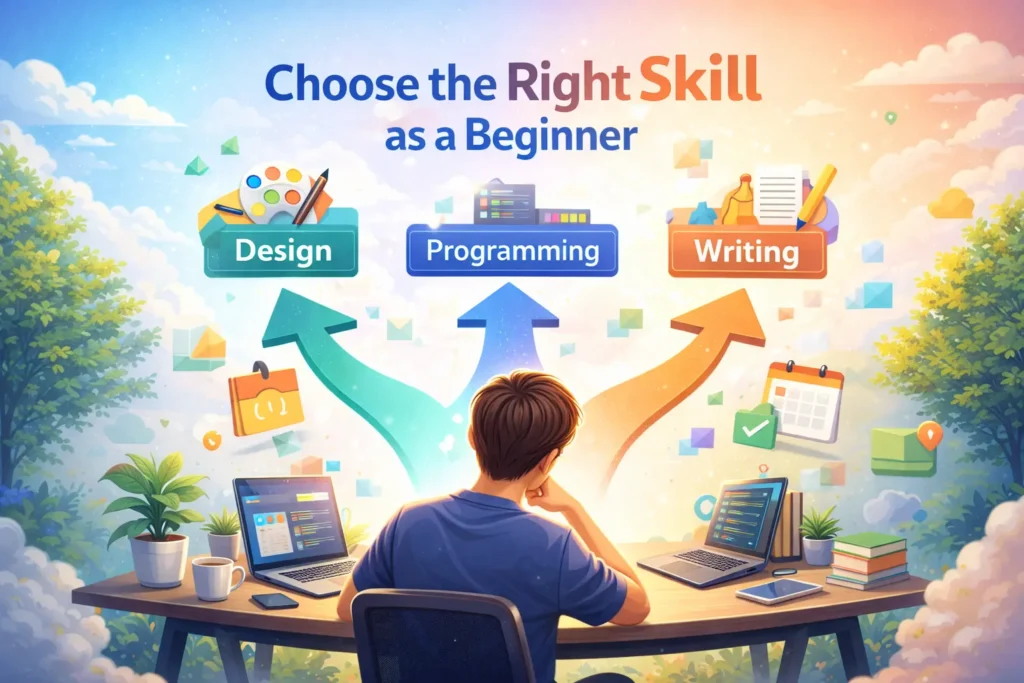
2. Choose the Right Skill as a Beginner
Your skill is the foundation of your freelance career. Choosing wisely makes everything easier. Here are some strong starting options:
Social Media Management
- Content scheduling
- Caption writing
- Engagement management
Video Editing
- Short-form videos
- YouTube editing
- Reels and TikTok editing
Web Development
- WordPress setup
- Landing pages
- Basic website design
Graphic Design
- Social media posts
- Logo design
- Branding kits
- Presentation design
SEO
- On Page SEO
- Off Page SEO
- Technical SEO
- Schema Markup
Writing
- Blog writing
- Copywriting
- SEO content
- Script writing
How to Validate Skill Demand
Before committing fully, validate that clients are actively paying for your skill.
Research on Upwork
Search your skill on Upwork:
- Check number of active job posts
- Review average project budgets
- Analyze top-rated freelancer profiles
High job volume = strong demand.
Analyze Fiverr Gigs
On Fiverr:
- Study high-selling gigs
- Observe pricing structure
- Identify common service packages
If freelancers are consistently getting orders, that skill has market demand.
Use LinkedIn for Industry Signals
- Search for freelance job posts
- Review freelancer headlines
- Analyze how professionals position their services
What to Check During Validation
- Are clients posting jobs regularly?
- Are budgets reasonable?
- Are freelancers earning consistently?
- Is there room for specialization?
Choosing a skill based on real demand not guesswork dramatically increases your chances of getting your first client faster.
3. Pick the Best Freelance Websites for Beginners
Choosing the right platform can speed up your journey to getting your first freelance client. Different platforms work better for different skills and strategies.

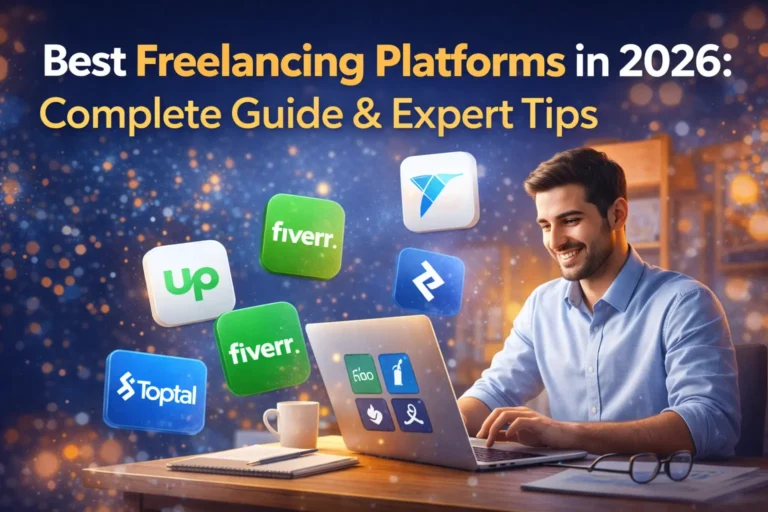
Upwork (Overview + Pros/Cons)
Upwork is one of the largest freelance marketplaces in the world. Clients post jobs, and freelancers submit proposals.
Pros:
- Large volume of active job posts
- Clients with serious budgets
- Long-term project opportunities
- Escrow payment protection
Cons:
- High competition
- Proposal-based system (requires strong writing)
- Service fees
Upwork works best if you’re ready to apply consistently and personalize proposals.
Fiverr (Overview + Pros/Cons)
Fiverr works differently. Instead of applying to jobs, you create “gigs” and clients come to you.
Pros:
- Easier for beginners to start
- Clear package-based pricing
- Passive order potential
Cons:
- Price competition
- Takes time to rank gigs
- Service fees
Fiverr is great if you can package your skill clearly and optimize your gig description.
LinkedIn (Client Hunting Strategy)
LinkedIn is not just for jobs — it’s a powerful client acquisition tool.
How beginners can use it:
- Optimize headline with your skill
- Post weekly insights or mini case studies
- Connect with business owners
- Send personalized messages LinkedIn works best for building authority and attracting higher-paying clients over time.
Other Beginner-Friendly Platforms
Depending on your skill, consider:
- Freelancer.com
- PeoplePerHour
- Toptal (for advanced professionals)
- Direct outreach via email
For a detailed comparison, see our full guide:
→ Best Freelance Websites for Beginners
4. Build a Simple Portfolio (Even with No Experience)
Many beginners delay freelancing because they think they need client work first. That’s not true. You can build a portfolio before your first paid project.

Create Sample Projects
If you want to offer:
- Content writing → Write 2–3 sample articles
- Graphic design → Create mock logos or brand kits
- Social media → Design 5 sample posts
- Web development → Build a demo website
Treat sample work like real client work. Quality matters.
Case Study Format for Beginners
Even for sample projects, use this structure:
- Problem – What issue are you solving?
- Solution – What did you create?
- Result – What outcome would this produce?
This shows structured thinking — something clients value.
Proof Psychology (Explained Simply)
Clients think:
- “Has this person done this before?”
- “Can they deliver?”
- “Is there social proof?”
When you show structured work and feedback, you reduce their risk. Reduced risk increases hiring chances.
How to Add Testimonials
If you don’t have paying clients yet:
- Ask a friend or small business owner for feedback
- Offer a discounted project in exchange for a testimonial Place testimonials:
- Under case studies
- On your LinkedIn profile
- On your portfolio homepage
Before/After Model
People understand transformation easily. Show:
- Before: Weak branding, unclear messaging
- After: Clean design, strong positioning
5. Set Beginner Pricing Without Undervaluing Yourself
Pricing is where many beginners make mistakes.

Hourly vs Project Pricing
Hourly pricing:
- Easy to calculate
- Good for beginners
- Limits income growth
Project pricing:
- Focuses on outcome
- Better long-term option
- Encourages efficiency
Start simple, but plan to move toward project pricing.
Beginner Rate Benchmarks
Research your niche on:
- Upwork
- Fiverr Look at:
- Average beginner rates
- Mid-level freelancer pricing
- High-performing profiles
Position yourself slightly below mid-level — not at the bottom.
When to Increase Rates
Increase your rates when:
- You’re fully booked
- You deliver measurable results
- Clients rarely negotiate
- Your confidence improves
Review your rates every 3–6 months.
Avoiding the “Cheap Freelancer” Trap
Charging too low:
- Attracts difficult clients
- Signals low quality
- Makes it hard to raise prices later
Instead of being the cheapest, focus on being reliable and professional.
6. How to Get Your First Freelance Client
Getting your first client is more about consistency than luck.

Proposal Structure for Beginners
Use this simple format:
- Mention a specific detail from the job post
- Show you understand the client’s problem
- Explain your short approach
- Share one relevant example
- End with a clear call-to-action
Keep proposals short and focused.
Cold Outreach Basics
If platforms feel too competitive, try email outreach. Basic structure:
- Short introduction
- Mention a problem you noticed
- Suggest a simple solution
- Ask for a short call
Keep it personalized, not spammy.
LinkedIn Messaging Strategy
- Connect with business owners
- Engage with their posts
- Send short, respectful messages
- Focus on value, not selling aggressively
Consistency builds familiarity.
Daily Application System
- 5–10 quality proposals per day
- 1 outreach message per day
- 30–60 minutes of skill improvement Track applications using:
- Notion
- A simple spreadsheet
- Basic CRM system
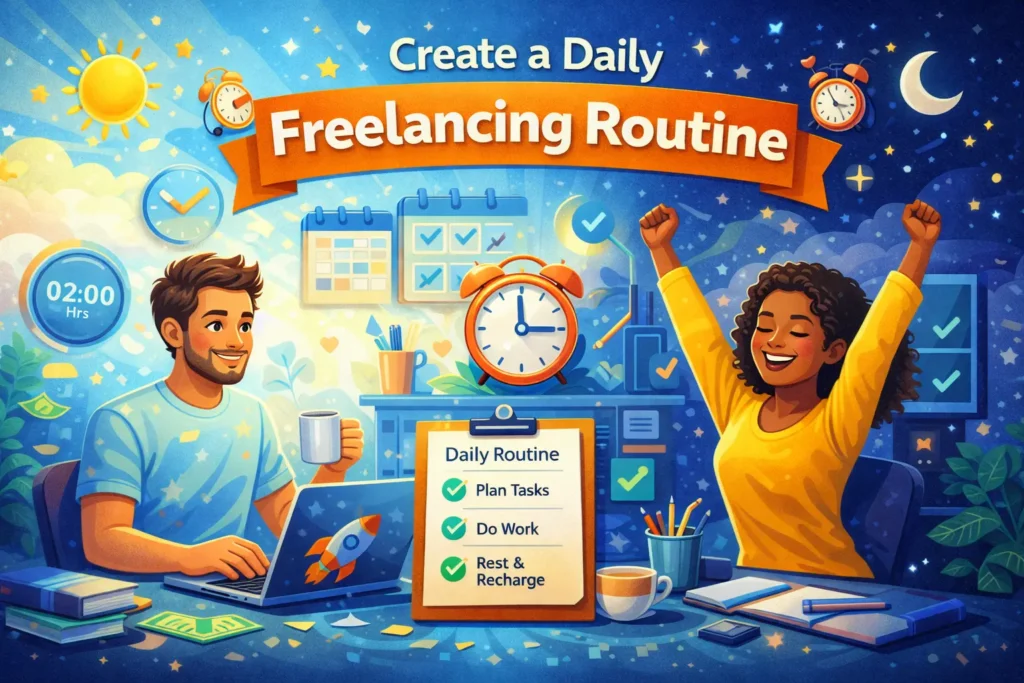
7. Create a Daily Freelancing Routine
One of the most important tips for freelancing daily success is building a structured routine. Freelancing gives you flexibility, but without discipline, productivity drops quickly.
Use the Time Blocking Method
Time blocking means dividing your day into focused segments instead of multitasking. Example structure:
- 2 hours – Client work
- 1 hour – Applications or outreach
- 1 hour – Skill improvement
- 30 minutes – Admin tasks
Working in blocks increases focus and reduces distractions.
Set Dedicated Learning Hours
In 2026, skills evolve quickly. Set aside time each day or week to:
- Watch tutorials
- Practice new tools
- Improve communication
- Study competitors
Even 30–60 minutes daily compounds over time.
Allocate Application Hours
Beginners often fail because they apply randomly. Instead:
- Apply at the same time each day
- Send 5–10 personalized proposals
- Track responses
Consistency matters more than motivation.
Schedule Skill-Building Sessions
Skill-building is different from learning theory. Examples:
- Writing practice articles
- Designing sample posts
- Editing short videos
- Building demo websites
Practice improves confidence — confidence improves client conversations.
Avoid Procrastination
Freelancing requires self-management. To avoid procrastination:
- Remove distractions during work blocks
- Use simple task lists
- Start with small, easy tasks
- Set daily targets
Routine creates momentum. Momentum builds income.
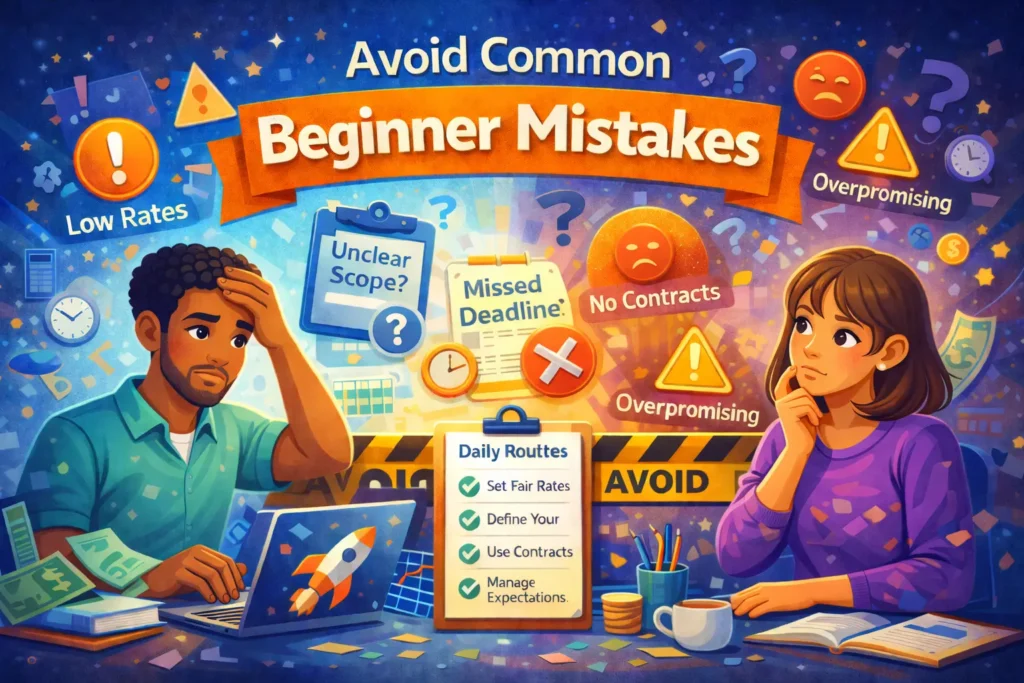
8. Avoid Common Beginner Mistakes
Many beginners don’t fail because of lack of skill — they fail because of preventable mistakes.
Accepting Very Low Rates
Charging too little:
- Attracts difficult clients
- Creates burnout
- Makes it harder to raise rates
Start fairly, not cheaply.
Working Without Contracts
Without clear agreements:
- Payments can be delayed
- Scope becomes unclear
- Disputes increase
Even simple written agreements protect you.
Scope Creep
Scope creep happens when clients ask for “small extra tasks” repeatedly. Prevent this by:
- Clearly defining deliverables
- Limiting revision rounds
- Charging for additional work
Poor Communication
Late replies, unclear updates, or missed deadlines damage trust. Best practice:
- Respond within reasonable time
- Clarify expectations early
- Provide regular updates
Inconsistent Applications
Applying heavily for a few days and then stopping slows growth. Instead:
- Create a weekly system
- Track applications
- Improve proposals based on feedback
9. Learn Basic Contracts and Payment Protection
Professional freelancers protect their work legally and financially.

Why Contracts Matter
A contract:
- Defines scope
- Clarifies payment terms
- Prevents misunderstandings
- Builds professional credibility
It protects both you and the client.
Clear Payment Terms
Always define:
- Total project cost
- Payment deadlines
- Accepted payment methods
- Late payment policy
Clarity avoids conflict.
Protecting Your Work
Clarify:
- Who owns the final work
- When ownership transfers
- Whether you can display work in your portfolio
Written clarity prevents future disputes.
Follow the 30–50% Upfront Rule
For project-based work:
- Request 30–50% upfront
- Deliver remaining work after final payment
This reduces risk and filters unserious clients.
Set Revision Limits
Define:
- Number of revision rounds
- Extra charges for additional changes
Unlimited revisions lead to unpaid extra work.
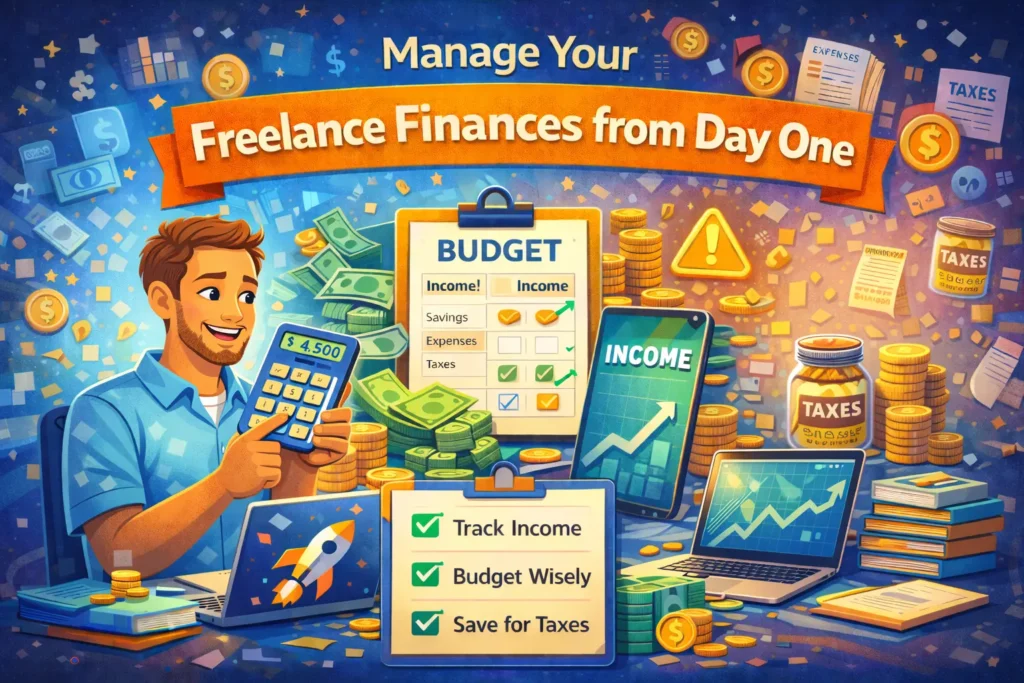
10. Manage Your Freelance Finances from Day One
Freelancing income fluctuates. Smart financial management keeps you stable.
Use a Separate Account
Keep:
- Personal expenses separate
- Freelance income in a business account
This simplifies tracking and tax reporting.
Follow the Emergency Fund Rule
Aim to save:
- 3–6 months of living expenses
Freelancing has slow periods. An emergency fund prevents panic decisions.
Understand Basic Tax Rules
Unlike regular jobs, freelancers manage their own taxes. Best practice:
- Save 20–30% of income for taxes (adjust based on your country)
- Track expenses properly
- Consult a local tax advisor if needed
Never spend your full payment immediately.
Use Finance Tracking Tools
You can track income and expenses using:
- Simple spreadsheets
- Accounting software
- Budgeting apps
Financial clarity reduces stress and improves decision-making.
For deeper guidance, read:
→ Finance Tips for Freelancers
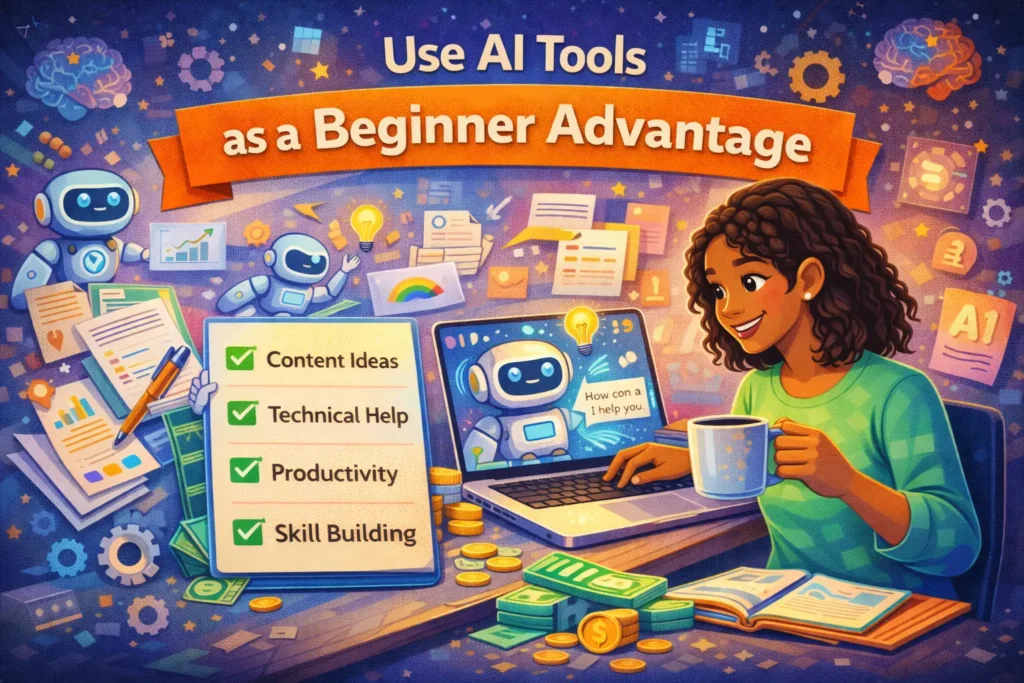
11. Use AI Tools as a Beginner Advantage (2026 Focus)
In 2026, AI is not optional — it’s a competitive advantage. Beginners who learn to use AI tools properly can work faster, improve quality, and compete globally.
AI for Research
AI tools can help you:
- Research topics quickly
- Analyze competitors
- Generate outlines
- Understand industry trends
Instead of spending hours searching manually, use AI to organize information and then refine it with your own thinking.
AI for Drafts
AI can assist in:
- First drafts
- Headline ideas
- Script structures
- Email templates
- Proposal formatting
Important: never copy blindly. Edit, personalize, and add your unique perspective. Clients value originality and context.
AI for Learning
Beginners can use AI to:
- Explain difficult concepts
- Practice interview questions
- Simulate client scenarios
- Improve writing clarity
Think of AI as a tutor, not a replacement.
The Human + AI Model
The most successful freelancers in 2026 use a hybrid model:
AI handles:
- Speed
- Drafting
- Data
You handle:
- Strategy
- Customization
- Client relationships
- Final quality control
Why AI Won’t Replace Skilled Freelancers
AI produces outputs.
Freelancers produce outcomes.
Clients still need:
- Strategy
- Emotional intelligence
- Industry understanding
- Clear communication
- Creative decision-making
AI can generate content, but it cannot build trust or understand client nuances deeply.
AI Overview Relevance Boost
To stay relevant in search engines and AI-driven platforms:
- Create structured content
- Use clear headings
- Provide direct answers
- Focus on problem-solving
Clear, well-structured information is favored by AI systems and search engines.
12. Build Confidence and Long-Term Growth Mindset
Freelancing success is not instant. It’s built step by step.

First 3 Months Expectation
In your first 3 months:
- You may face rejection
- You may earn little initially
- You’ll spend time learning and applying
This phase is normal. Focus on skill-building and consistency.
Handling Rejection
Rejection is part of freelancing.
Instead of taking it personally:
- Improve your proposal
- Refine your portfolio
- Analyze feedback
- Apply again
Each rejection teaches something.
Skill Compounding
Improving 1% daily compounds over months.
Example:
- Better proposals
- Clearer communication
- Improved technical skill
- Faster delivery
Small upgrades build large results over time.
Long-Term Thinking
Avoid chasing quick money.
Instead:
- Focus on reputation
- Build repeat clients
- Increase rates gradually
- Develop authority
Freelancing becomes powerful when treated as a long-term career.
Frequently Asked Questions About Freelancing for Beginners
Conclusion: Start Smart and Stay Consistent
Freelancing tips for beginners are not about shortcuts — they are about building strong foundations. Choose the right skill, create a portfolio, apply consistently, protect your work with contracts, and manage your finances wisely.
Freelancing success comes from discipline and long-term thinking. The beginners who win are those who stay consistent even when results are slow.
If you’re ready to go deeper, explore:
- How to Start Freelancing
- Freelancing Skills to Learn
- Finance Tips for Freelancers
Start small. Improve daily. Stay consistent.
Your freelance journey begins with the systems you build today.